
WordPress Hosting Platform: How to Choose the Right One in 2026
An honest, experience-based guide to picking the right WordPress hosting platform in 2026 — shared, managed, cloud, or dedicated.
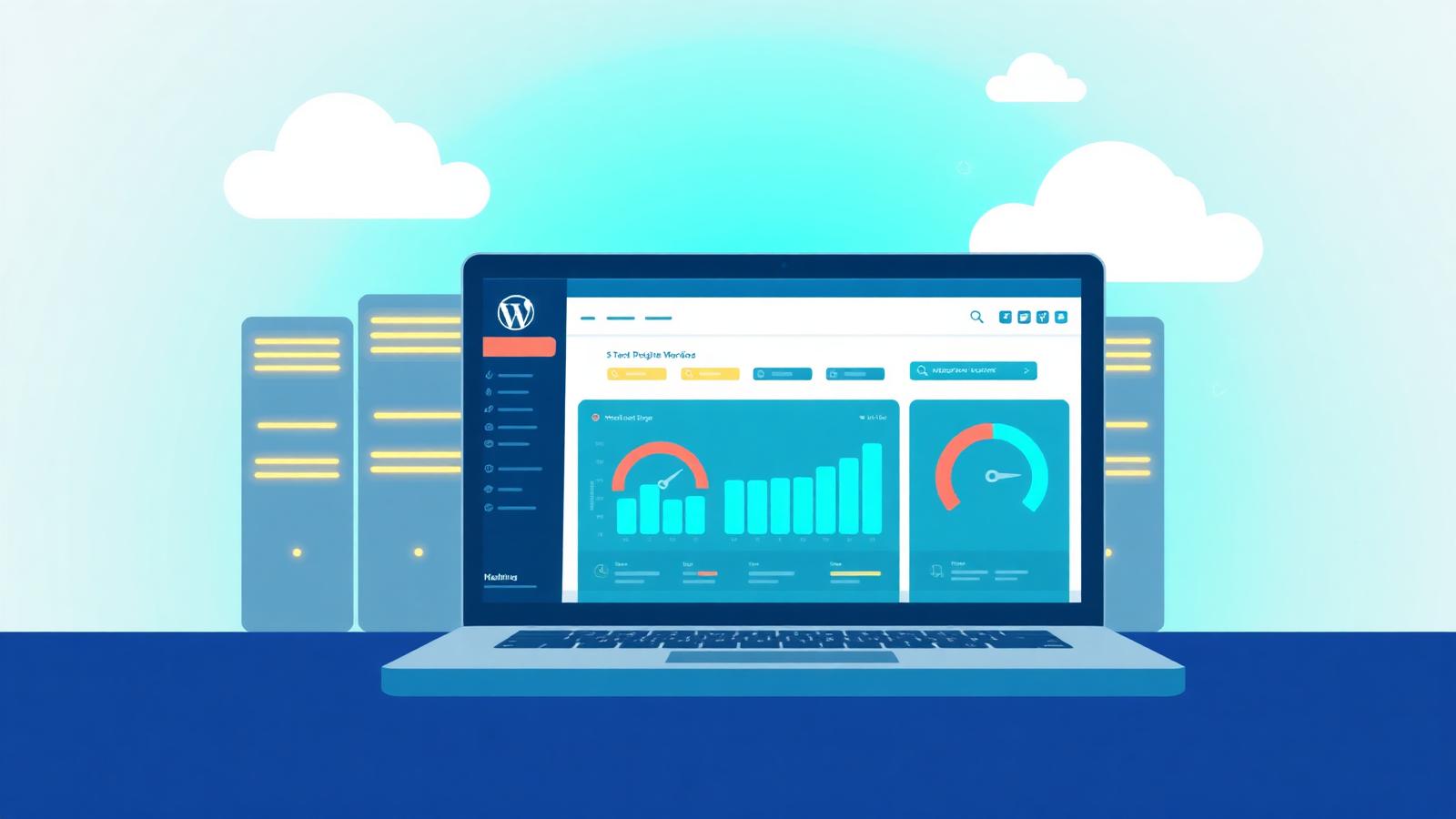
I've spent the better part of a decade moving WordPress sites between hosts — sometimes because a client outgrew a $4 shared plan overnight, sometimes because a "premium" provider quietly throttled their store on Black Friday. If there's one thing I've learned, it's this: the wordpress hosting platform you pick decides more about your site's future than the theme, the page builder, or even the plugins you install.
This guide is the honest version I wish someone had handed me back when I was comparing providers in a spreadsheet at 2 a.m.

What Is a WordPress Hosting Platform?
A WordPress hosting platform is a server environment specifically tuned to run WordPress well. That tuning shows up in small but important ways:
- PHP versions and OPcache settings optimized for WordPress
- Server-level caching (Nginx FastCGI, Varnish, or proprietary stacks)
- Automatic core, plugin, and theme updates
- Daily backups with one-click restore
- Staging environments built into the dashboard
- A firewall that understands WordPress-specific attacks
Generic web hosting can run WordPress. A real WordPress hosting platform is built for it.
The Four Main Types of WordPress Hosting
| Type | Best For | Typical Price | Trade-off |
|---|---|---|---|
| Shared WordPress hosting | New blogs, hobby sites | $3–$10/mo | Slow under load |
| Managed WordPress hosting | Agencies, business sites, stores | $25–$300/mo | Higher cost |
| WordPress VPS / cloud | Growing sites, developers | $10–$80/mo | You manage more |
| Dedicated WordPress | High-traffic publishers | $150+/mo | Overkill for most |
1. Shared WordPress Hosting
This is where most people start. Providers like Bluehost, Hostinger, and SiteGround's StartUp tier put hundreds of sites on the same physical server. It works — until your traffic spikes or a neighbor on the same box runs a runaway cron job.
Honest take: Great for a personal blog or portfolio. I wouldn't run a store here past the first six months.
2. Managed WordPress Hosting
Managed hosts like Kinsta, WP Engine, Pressable, and Cloudways take server admin off your plate. You get staging, backups, caching, security, and a real support team that knows WordPress.
Honest take: If your site makes you money, this is usually the sweet spot.

3. WordPress VPS and Cloud Hosting
A VPS or cloud platform (DigitalOcean, Vultr, AWS Lightsail, or managed layers like Cloudways and RunCloud) gives you a slice of a server with predictable resources you can scale.
Honest take: My go-to for developers and agencies. Unbeatable price-to-performance if you're comfortable in a terminal.
4. Dedicated WordPress Hosting
An entire machine dedicated to one site. Reserved for news outlets, large memberships, and busy WooCommerce stores.
What Actually Matters When Choosing a Platform
Speed (Not Just "Fast Servers")
Look for:
- NVMe SSD storage, not generic SSD
- PHP 8.2 or 8.3 support
- HTTP/3 and QUIC
- Built-in object caching with Redis or Memcached
- A real CDN included — Cloudflare Enterprise, BunnyCDN, or KeyCDN
A site I migrated last spring went from a 3.1s LCP on a budget shared plan to 0.9s on a managed platform with Redis and Cloudflare Enterprise. Same theme, same plugins. The platform did the work.

Uptime That's Actually Measured
Anything below 99.95% over a real month is a problem. I run UptimeRobot on every client site regardless of what the host claims.
Security Baked In, Not Bolted On
The platform should handle WAF, malware scanning, free auto-renewing SSL, DDoS protection, and automatic security patches. If "security" on the pricing page means "we'll sell you Sucuri at $200/year," keep shopping.

Backups You'd Actually Trust at 3 a.m.
Daily automatic backups, 14–30 day retention, and one-click restore from the dashboard.
Support That Knows WordPress
Test it before you buy. Open a pre-sales chat and ask something specific like, "How do you handle Redis memory exhaustion on a WooCommerce site during a flash sale?" The answer tells you everything.
The Platforms Worth Considering in 2026
- Kinsta — Premium managed on Google Cloud. Excellent dashboard and support.
- WP Engine — The agency standard. Pricier, but rock solid.
- Cloudways — Managed layer on DigitalOcean, Vultr, Linode, AWS, GCP. Best price-to-performance.
- SiteGround — Solid mid-tier managed. Watch the renewal pricing.
- Hostinger — Best of the budget tier. Genuinely fast on Premium and Business plans.
- Bluehost — Beginner-friendly. Read our Bluehost VPS review before upgrading.
- Rocket.net — Underrated managed host with Cloudflare Enterprise on every plan.
- Pressable — Owned by Automattic. Generous visit policies.

Matching the Platform to Your Site
| Site Type | Recommended Platform |
|---|---|
| Personal blog, portfolio | Quality shared (Hostinger Premium, SiteGround StartUp) |
| Small business site | Entry managed or premium shared |
| WooCommerce under 10k visits/mo | Managed WordPress (Cloudways, Rocket.net) |
| WooCommerce 10k–100k visits/mo | Mid-tier managed (Kinsta, WP Engine) |
| Membership / LMS site | Managed with Redis + dedicated resources |
| News site with traffic spikes | Cloud-based managed with autoscaling |
| Agency with 10+ client sites | Cloudways, RunCloud, or WP Engine agency |
Real-World Tips From Migrations I've Actually Done
- Test before you commit. Most quality hosts give 14–30 day refunds. Migrate a clone, run GTmetrix and WebPageTest from your customers' regions, then decide.
- Watch the renewal price. A $2.99 intro often becomes $14.99. Calculate the three-year cost.
- Check visit limits honestly. Bots count.
- Avoid stacking caching plugins on a managed host. WP Rocket on top of FastCGI cache usually breaks something subtle.
- Keep backups elsewhere too. UpdraftPlus to Google Drive or BackWPup to S3.
- Use staging for every plugin update. It's free on managed hosts. Use it.
Common Mistakes I Still See in 2026
- Picking a host on price alone, then losing a weekend to a $300/hour migration
- Running an outdated PHP version because "the theme might break" (it won't — test on staging)
- Ignoring object caching on WooCommerce
- Letting
wp-cron.phprun on page load instead of a real server cron - Trusting "unlimited" anything
For more on avoiding budget traps, see our guide on the best budget web hosting for 2026.
My Honest Recommendation Framework
- Budget under $10/mo, beginner: Hostinger Premium or Bluehost
- $25–$50/mo, serious business site: Cloudways or Rocket.net
- $100+/mo, store or membership: Kinsta or WP Engine
- Developer running multiple sites: Cloudways or self-managed VPS with RunCloud
No affiliate spin — that's just where I've landed after years of migrations.
FAQ
What is the best WordPress hosting platform for beginners?
For most beginners, Hostinger Premium and Bluehost offer the easiest setup, a free domain, and one-click WordPress installation under $5/month. If budget allows a small jump, SiteGround's StartUp plan is faster and more reliable.
Is managed WordPress hosting worth the higher price?
Yes, if your site generates revenue or leads. Managed hosting bundles speed, security, staging, and expert support — easily worth the $25–$30/month difference once you factor in the time you'd otherwise spend on server maintenance.
How much does a WordPress hosting platform really cost?
Realistically: $3–$10/month for shared, $25–$50/month for entry managed or cloud, $100–$300/month for premium managed, and $150+/month for dedicated. Watch renewal pricing.
Can I move my WordPress site to a new hosting platform later?
Absolutely. Most quality hosts offer free migrations, and plugins like Duplicator or All-in-One WP Migration handle DIY moves. A migration usually takes 1–3 hours with minimal downtime if DNS is planned correctly.
What's the difference between WordPress.com and a WordPress hosting platform?
WordPress.com is a hosted service with limitations on plugins, themes, and monetization on lower tiers. A self-hosted WordPress installation on a hosting platform gives you full control — your files, your database, your plugins, your rules.
Do I need a CDN if my WordPress host is fast?
Yes. Even the fastest origin server can't beat physics. A CDN serves your assets from a location near your visitor. Cloudflare's free plan is enough for most sites.
Conclusion
The right wordpress hosting platform isn't the cheapest or the flashiest — it's the one that matches your site's traffic, your technical comfort, and the cost of downtime to your business. Start honest about where your site is today, leave room for where it's going in 12 months, and don't be afraid to migrate when you outgrow a plan.
Ready to dig deeper? Browse our Hosting Deals & Reviews, or compare options in Managed & Cloud Hosting. For specific scenarios, contact us — we're happy to help you narrow the shortlist.
The CloudPressHub editorial team has spent the last decade hands-on with shared, VPS, managed cloud, and enterprise WordPress hosting — running real production sites, migrating clients, and benchmarking providers independently.
Found this useful?
Share it with a friend who's choosing a web host, or explore more guides below.